Professionally I’ve had situations where Ms authenticator was the only option because the only 2FA they allow is push notifications on the authenticator app.
If a company requires me to install specific apps that may or may not work on my device, I expect that company to provide me with a device that can be set up for their stuff.
I’ve run two separate phones for nearly 15 years now: my personal phone, and a work-issued phone. The work phone is turned off and left on my night stand as soon as I get home, and only turned on again when I’m getting ready to go back to work. I don’t carry it 24/7 as some have been led to believe, for some reason. It’s really nice to have that separation. And work pays for it.
Peach. Separation is where it’s at, and companies should be required to provide technology required for work.
In an ideal world “No, I don’t want that on my personal device” should be sufficient, but it’s a lot harder to argue with “No, I literally cannot install that on my device; it’s incompatible. Provide an alternative for me.”
I’m finally taking steps to walk the walk re: phone separation—I’m hoping the Click Communicator pans out, since it seems like the ideal work phone. (I get a stipend for tech, so I can get whatever I want. I’ve been pocketing the extra cash, but it’s time to get an actual work phone.) I’m just hoping I can wait it out and ignore the Authenticator warnings until then, or maybe look into Magisk Hide or whatever.


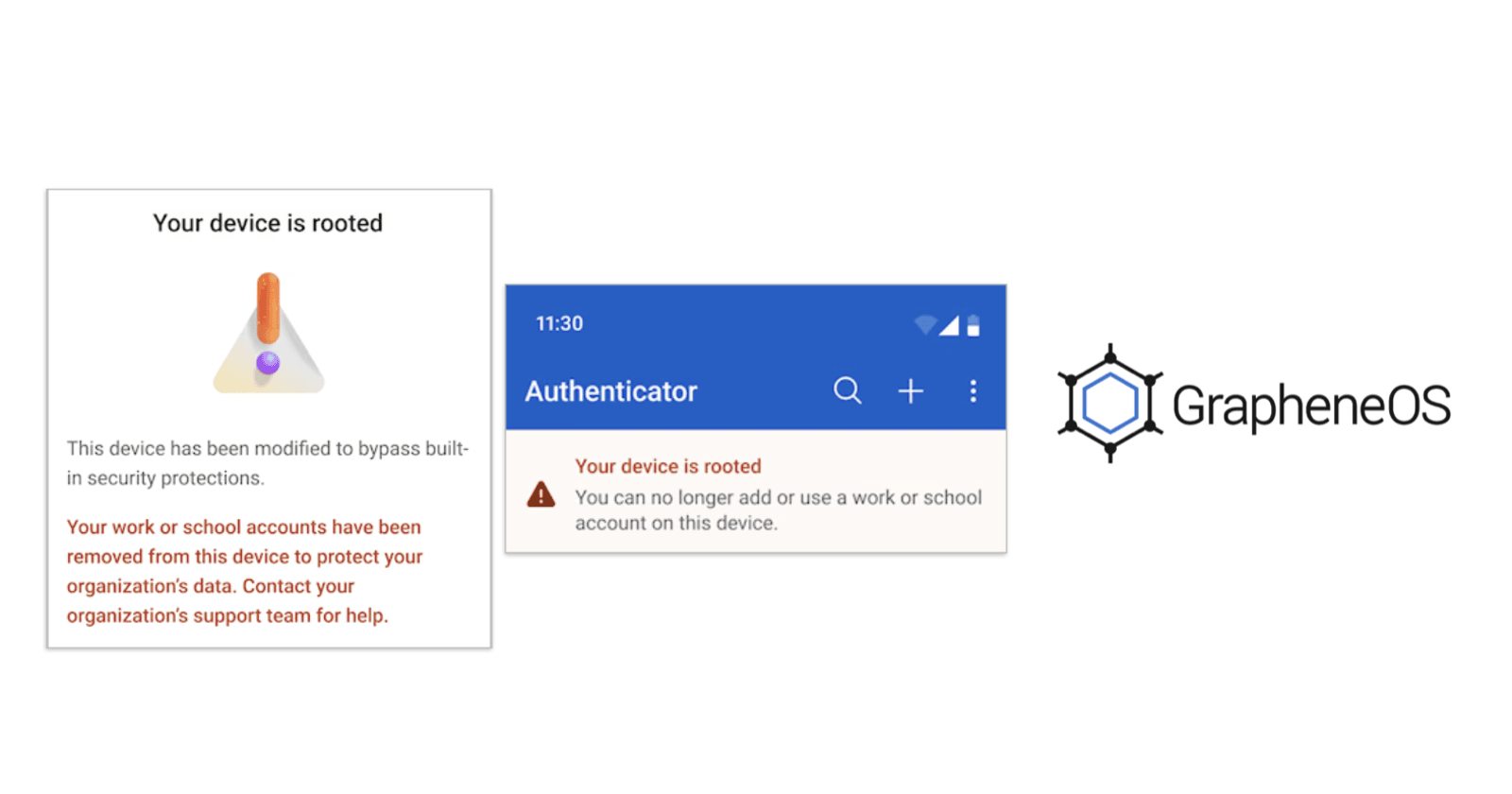
If a company requires me to install specific apps that may or may not work on my device, I expect that company to provide me with a device that can be set up for their stuff.
I’ve run two separate phones for nearly 15 years now: my personal phone, and a work-issued phone. The work phone is turned off and left on my night stand as soon as I get home, and only turned on again when I’m getting ready to go back to work. I don’t carry it 24/7 as some have been led to believe, for some reason. It’s really nice to have that separation. And work pays for it.
My employer is government so they do provide an alternative. If you can’t use Microsoft authenticator, you can get an authentication phone call
Peach. Separation is where it’s at, and companies should be required to provide technology required for work.
In an ideal world “No, I don’t want that on my personal device” should be sufficient, but it’s a lot harder to argue with “No, I literally cannot install that on my device; it’s incompatible. Provide an alternative for me.”
I’m finally taking steps to walk the walk re: phone separation—I’m hoping the Click Communicator pans out, since it seems like the ideal work phone. (I get a stipend for tech, so I can get whatever I want. I’ve been pocketing the extra cash, but it’s time to get an actual work phone.) I’m just hoping I can wait it out and ignore the Authenticator warnings until then, or maybe look into Magisk Hide or whatever.